InkFrog Is Shutting Down June 1, 2026 — What eBay Sellers Need to Do Now
InkFrog announced its permanent shutdown effective June 1, 2026. Here's exactly what happens to your listings, your image hosting, and your subscription — plus the migration plan and the best alternatives for eBay sellers in 2026.
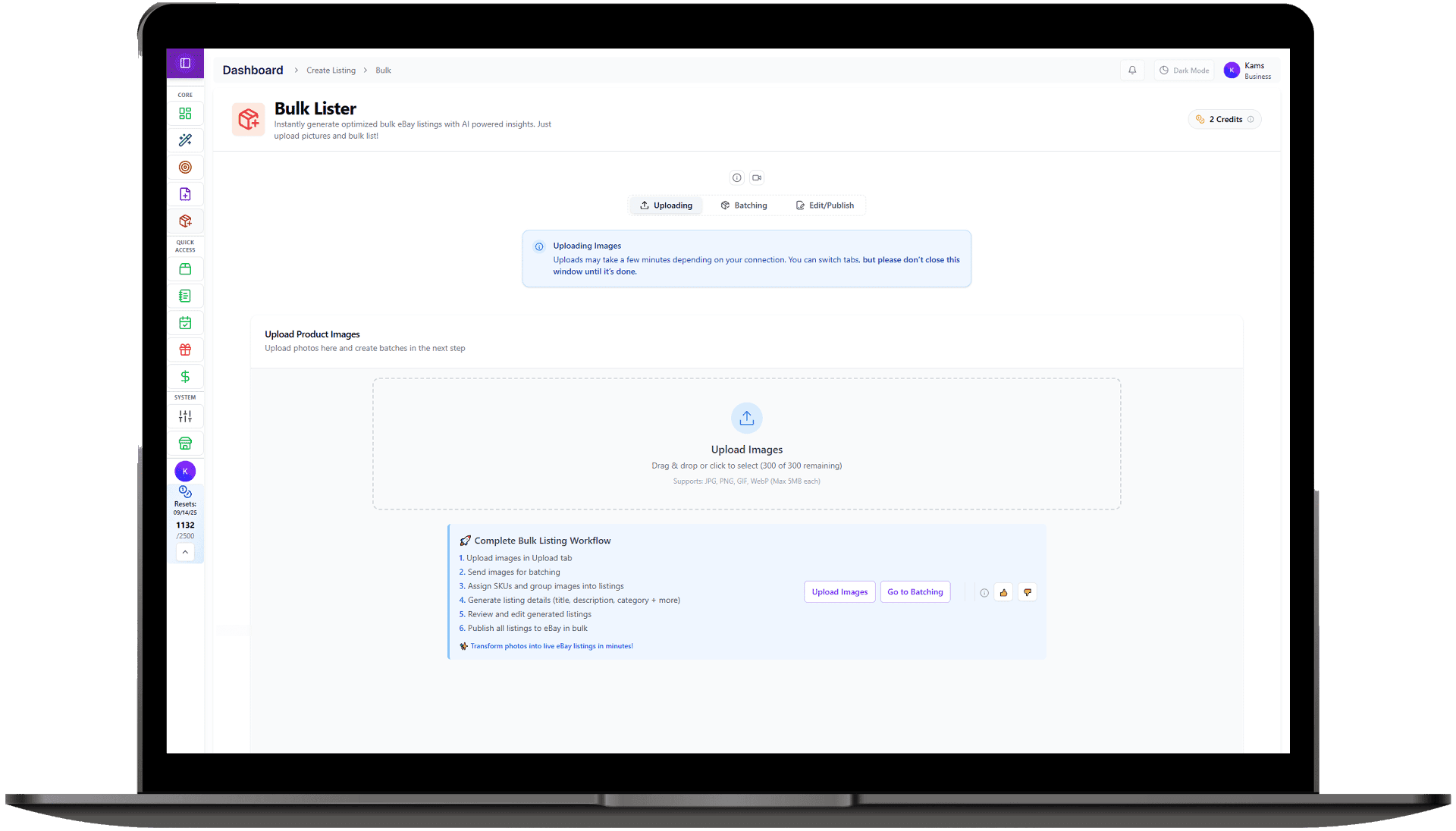
On April 29, 2026, InkFrog emailed its customers with news nobody saw coming: after more than a decade as one of eBay's most popular listing tools, the service is permanently shutting down on June 1, 2026. If you're an InkFrog seller, you have roughly four weeks to export your data, re-host your images, and move your operation to a new platform — or risk waking up on June 1st with broken listings and no way to bulk-edit anything.
Critical deadline: May 31, 2026
What InkFrog announced
InkFrog (a Wix-owned product) sent a customer-only email on April 29 confirming the closure. The company didn't make a public press release — most sellers found out through eBay community threads and reseller news outlets like Value Added Resource and EcommerceBytes.
“After much consideration, we've made the difficult decision to discontinue inkFrog. We believe this is the right step forward and are committed to making this transition as smooth as possible.”
No reason was given publicly. Wix has been narrowing its e-commerce focus to its core platform, and InkFrog — a third-party multichannel listing tool serving eBay, Amazon, and Shopify sellers — sat outside that strategy.
What happens on June 1, 2026
Here's the actual blast radius. Some things break loudly, some break silently — and the silent ones are what catch most sellers off guard.
What stays working
- Your live eBay listings remain on eBay. eBay hosts the listings — InkFrog was just the tool you used to create and manage them. They won't be auto-ended.
- Your sales history and order data on eBay is unaffected. eBay's records are separate from InkFrog.
- Pro-rated refunds for unused subscription days will be processed automatically — you don't need to email support.
What breaks (and this is the painful part)
- Images hosted on imgs.inkfrog.com go offline. If your listing descriptions or template HTML reference images served from InkFrog's CDN, every one of those images turns into a broken-image icon on June 1.
- Bulk editing, scheduling, and revisions stop. You can't push an update to 500 listings at once anymore.
- Multi-channel sync (Amazon, Shopify, BigCommerce) stops. Inventory levels will desync between platforms the moment InkFrog goes dark.
- Templates and design profiles are inaccessible. Your saved 200+ template library disappears unless you've exported it.
- Order management tools shut off. You'll need to manage orders directly in eBay's Seller Hub or in your new tool.
The image hosting trap
Your 4-week migration timeline
Don't wait until late May. Tools that import InkFrog data are going to get hammered with traffic in the final week, and so is eBay's API. Start now.
Pro tip from migrations we've watched
InkFrog alternatives compared (honestly)
Let's be direct: we make [Snap2List](/inkfrog-alternative), so we're biased. We're going to tell you anyway where each option actually fits. The right tool depends on whether you're a high-volume reseller, a template-design-focused brand, or a multichannel seller.
Snap2List — best for AI-driven listing creation and speed
- Strength: GPT-4 Vision turns photos into complete listings (title, category, item specifics, description, suggested price) in 30 seconds. Nothing else on this list does this.
- Bulk listing tool with CSV import, batch editing, scheduling, and 18 global eBay marketplaces.
- Pricing: Multiple tiers from Starter to Unlimited — see the full [pricing page](/pricing). InkFrog migrants get coupons (below).
- Weakness: Single-channel today (eBay only). If you need Amazon + Shopify in one tool, see Voolist.
3Dsellers — best if you used InkFrog mainly for templates
- Strength: Strong eBay-template builder, similar feature set to InkFrog (eBay-focused, not multichannel).
- Migration offer: $75 credit voucher for InkFrog refugees per EcommerceBytes coverage.
- Weakness: No AI listing generation. UI feels closer to 2018-era InkFrog than to a modern tool.
Frooition — best if you're a designer/agency seller
- Strength: Premium custom template design service. They've publicly offered free CSV import for InkFrog users.
- Pricing: Higher tier — they target sellers who care about brand polish.
- Weakness: Heavy on design, lighter on bulk tooling. If you list 100+ items a week, the editor is slower than InkFrog was.
Voolist — best if you sell on multiple channels
- Strength: Genuine multichannel: eBay, Amazon, Shopify, Etsy, Facebook Marketplace, and more.
- Closest like-for-like replacement for InkFrog's multichannel sync feature.
- Weakness: Multichannel adds complexity. If you're eBay-only, it's overkill.
SixBit — best for desktop-software loyalists
- Strength: Around since 1997. Windows desktop software, runs locally. Power-user friendly with deep customization.
- Weakness: Windows only. No web/mobile access. Steep learning curve.
Other options worth a look: WonderLister, Salestio (Magento/Shopify-focused), Folder Lister, PayHelm, and MyListerHub. Most of these are smaller players, but for niche workflows they can be a good fit.
Why we built Snap2List for sellers like you
InkFrog's strength was speed: bulk-listing tools that let one person manage thousands of items. Its weakness was that the listing creation step itself stayed manual — you still had to type titles, choose categories, fill out item specifics, and write descriptions one field at a time. Snap2List started from that gap.
- 30-second listings from photos. Drop in 1–12 photos, GPT-4 Vision generates the title, picks the category, fills item specifics, suggests pricing, writes the description. You review and publish.
- Bulk lister with batching. Same workflow but for 50 items at a time. Auto-fill SKUs, apply policies, schedule publication.
- Inventory & finance tools built into the same dashboard — track orders, profits, expenses without bouncing between apps.
- 18 global eBay marketplaces with auto-currency detection. Most InkFrog alternatives are US-only.
- Modern stack: Real-time eBay sync, fast UI, mobile-friendly. Built in 2024, not 2014.
If you're curious about the head-to-head, we wrote a deeper [Snap2List vs InkFrog comparison](/blog/snap2list-vs-inkfrog) before the shutdown was announced. Most of what's in there still applies — the difference is now you don't have a choice to stay.
FAQ
Will my eBay listings end on June 1?
No. eBay hosts the listings, not InkFrog. They stay live. What breaks is your ability to manage them in bulk, plus any images served from imgs.inkfrog.com inside listing descriptions.
Do I need to cancel my InkFrog subscription manually?
No. InkFrog's announcement confirmed that pro-rated refunds for unused billing days are processed automatically. Worth double-checking your statements in June, but you don't have to do anything.
Can I keep using InkFrog templates with another tool?
If you exported the template HTML before May 31, yes — most tools (Snap2List, 3Dsellers, Frooition) let you paste in custom HTML descriptions. The catch: any images inside that HTML hosted on imgs.inkfrog.com still need to be re-hosted.
What about my Amazon and Shopify listings synced through InkFrog?
Sync stops on June 1. The listings on each platform stay, but they won't update each other. You'll need a tool with multichannel sync (Voolist, Sellbrite) — or accept managing each channel separately. Snap2List is eBay-only today, so this is the one scenario where we'd point you elsewhere.
I have over 5,000 listings. Is bulk migration realistic in 4 weeks?
Yes — but start now, not in late May. CSV import handles the data side in minutes; the bottleneck is image re-hosting because eBay rate-limits bulk listing revisions. Plan to spread image re-hosting across 7–10 days at 500–1000 listings per day.
Bottom line
InkFrog's shutdown is the kind of thing that turns into either a one-week annoyance or a month-long crisis depending on how early you act. The export deadline is May 31. The image hosting trap is real and it's the #1 thing sellers miss. Pick a replacement tool this week, do your CSV export today, and migrate in batches.
If you want a guided migration with the InkFrog-specific import flow, jump to our [migration page](/inkfrog-alternative). Both coupons (INKFROGPRO and INKFROGPREMIUM) auto-apply at checkout — no code entry needed.
🎉 Exclusive Sign-Up Promotions
Premium
SCALE30